What Is Shoppable Video? (Explained for E-commerce Leaders)
Views up, carts flat? Shoppable video answers "where do I buy that?" inside the player — not in the bio link.
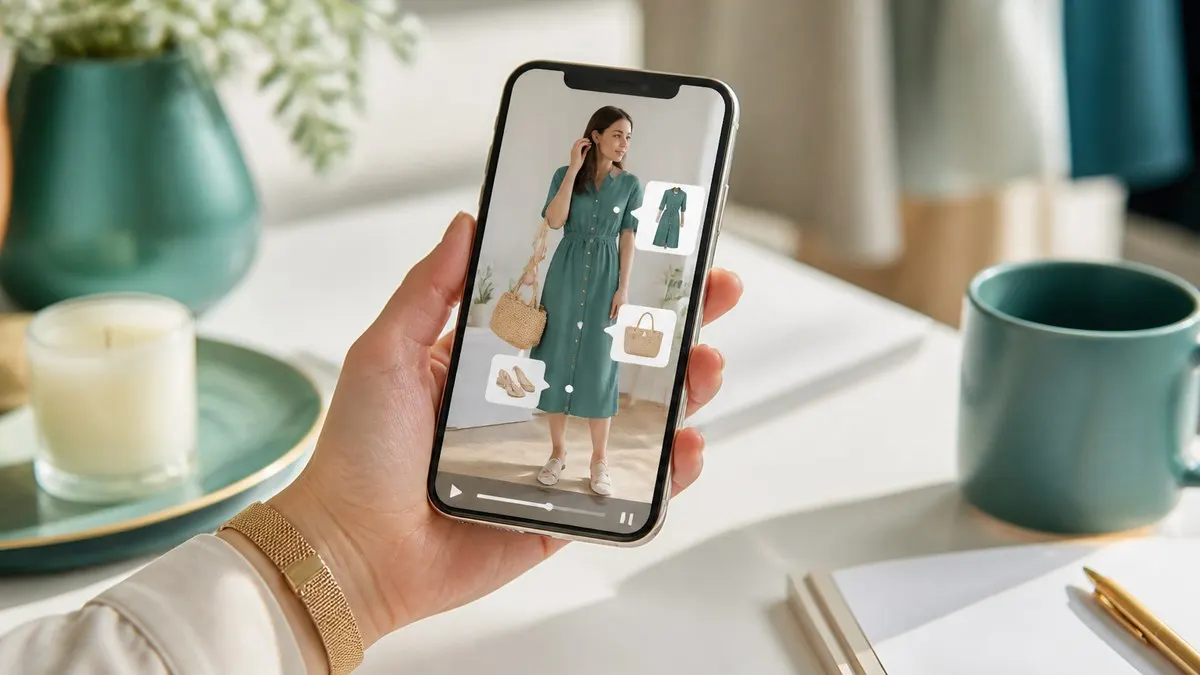
Friday report: 80k Reels views. Site traffic +4%. Carts? Flat.
The debate: "Does video even work?" It works — **viewers are interested but can't find the buy path.** Shoppable video closes that gap.
Plain definition
Regular video: watch, like, scroll.
Shoppable video: **product cards on screen** — price, image, tap → product page. Intent captured in the same session, not in "link in bio."
Why sales teams care
Three wins in e-commerce language:
- **Less lost intent** — "Which product was that?" disappears.
- **Campaigns become measurable** — which SKU in which video got clicks.
- **Creative ROI** — one shoot feeds Reels, site, and banners via multi-format render.
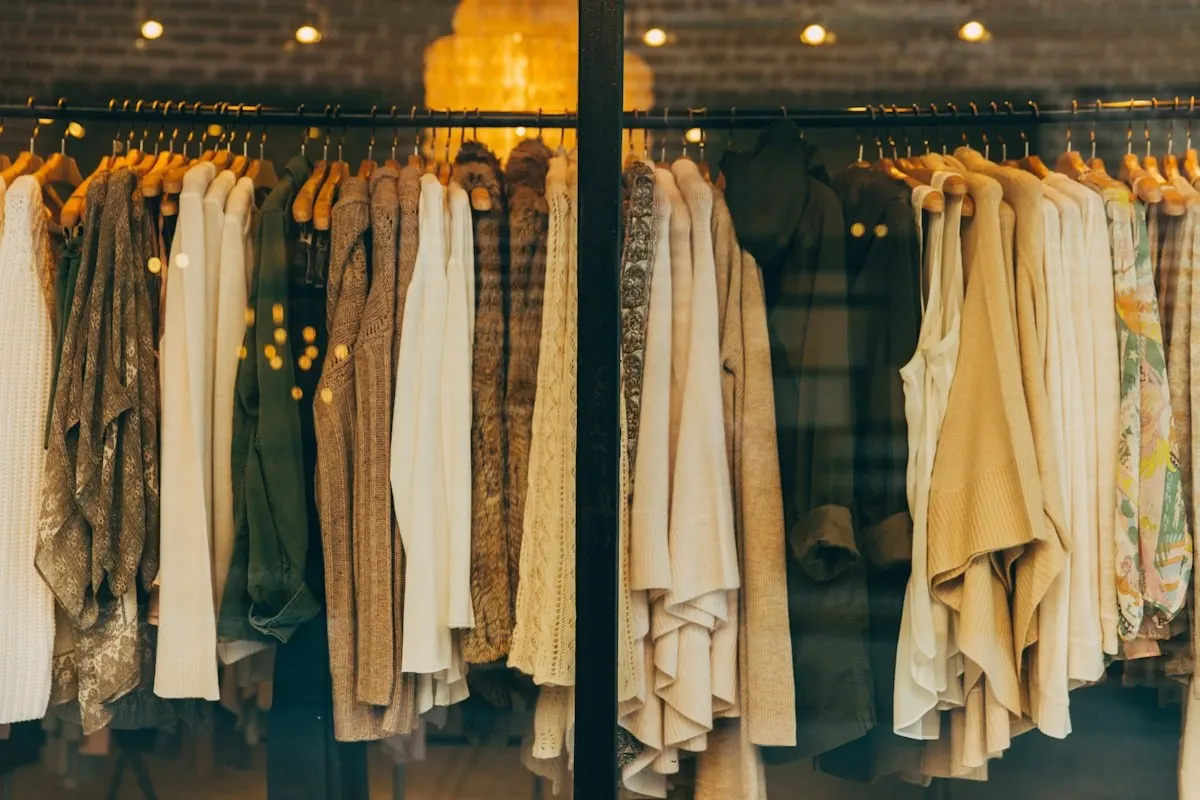
Think of shoppable video as a live shop window — not a PDF lookbook. The associate points at the rack while the customer is still watching.
How to launch with Vidora (5-minute ops view)
- Upload existing product footage — no reshoot required.
- Add products in the panel: name, price, purchase URL.
- Optionally time highlights ("jacket at 3s, shoes at 8s").
- Embed on PDP or campaign page.
Rule of thumb: keep **6–8 active products** visible — crowded carousels hurt mobile taps.
What it won't fix
Shoppable video isn't magic. Weak creative, wrong pricing, slow site — still hurt. But **good footage + right product mapping** makes video traffic much more likely to reach checkout.
Fashion, beauty, home — categories where visual decisions happen fast — see the clearest lift.
Explore shoppable video or fashion use cases.
By: Vidora Team
RSS feed