How to Add Product Video on T-Soft
Putting a product clip on T-Soft is familiar. Product video stays on-site and a tap opens your product. Tsoft and T-Soft are the same store.
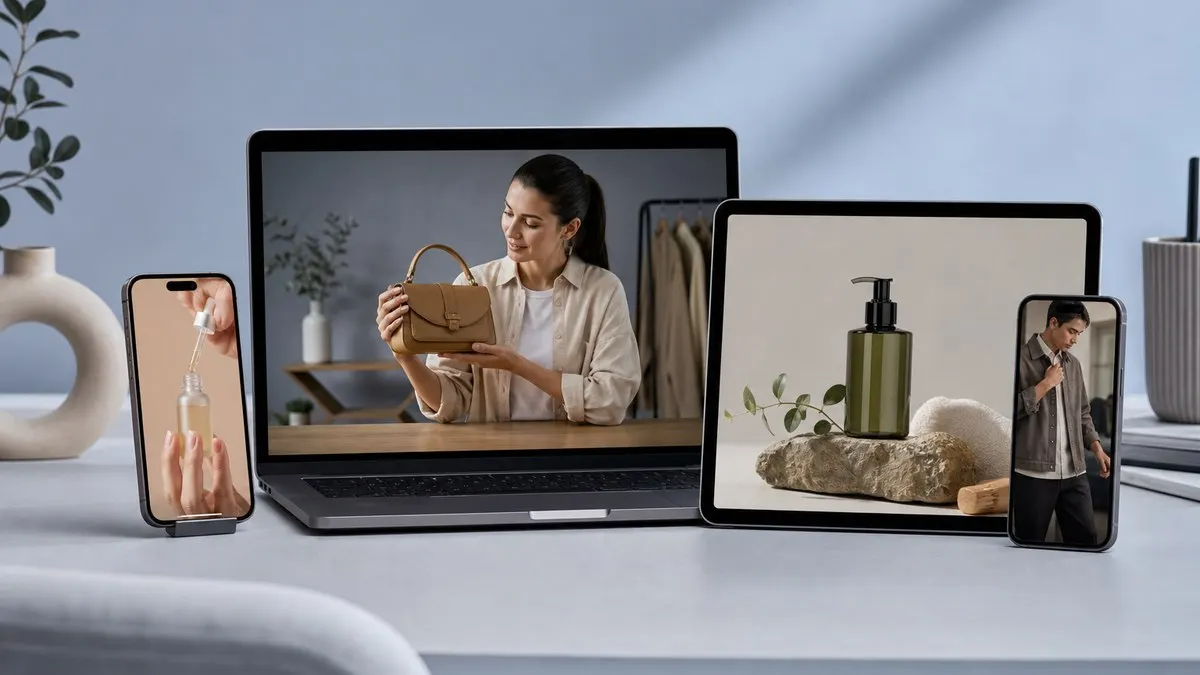
On T-Soft SMEs the product clip is not missing. Most product pages already have a file.
The gap is measurement. Watched, tapped, added to cart — unknown. Or the clip is YouTube and they leave your T-Soft storefront.
Tsoft and T-Soft are the same platform. Google asks both; the answer is the same: **stay on-site, tap the product**.
What product video on T-Soft means
Watch on your product page. Tap the item they see. The order stays on T-Soft. No store migration.
Playing a file is not a sale
The T-Soft video field plays. A large file slows the page. A YouTube snippet sends people away.
Product video is the third path: your T-Soft link, a tappable item, a “that clip worked” answer.
How to add it
- Upload the video. No studio required.
- Pin the T-Soft product page.
- Paste the code on product detail.
- In a 15-minute demo we open your own page.
Short version: T-Soft product video.
Live shopping is a different topic. What sells on T-Soft today is a recorded clip. Live comes later.
By: Vidora Team
RSS feed