Stop Posting the Same File Everywhere — Channel-by-Channel Guide
Horizontal video on Reels kills engagement. Vertical on your banner looks wrong. An e-commerce manager's map of where each format actually sells.
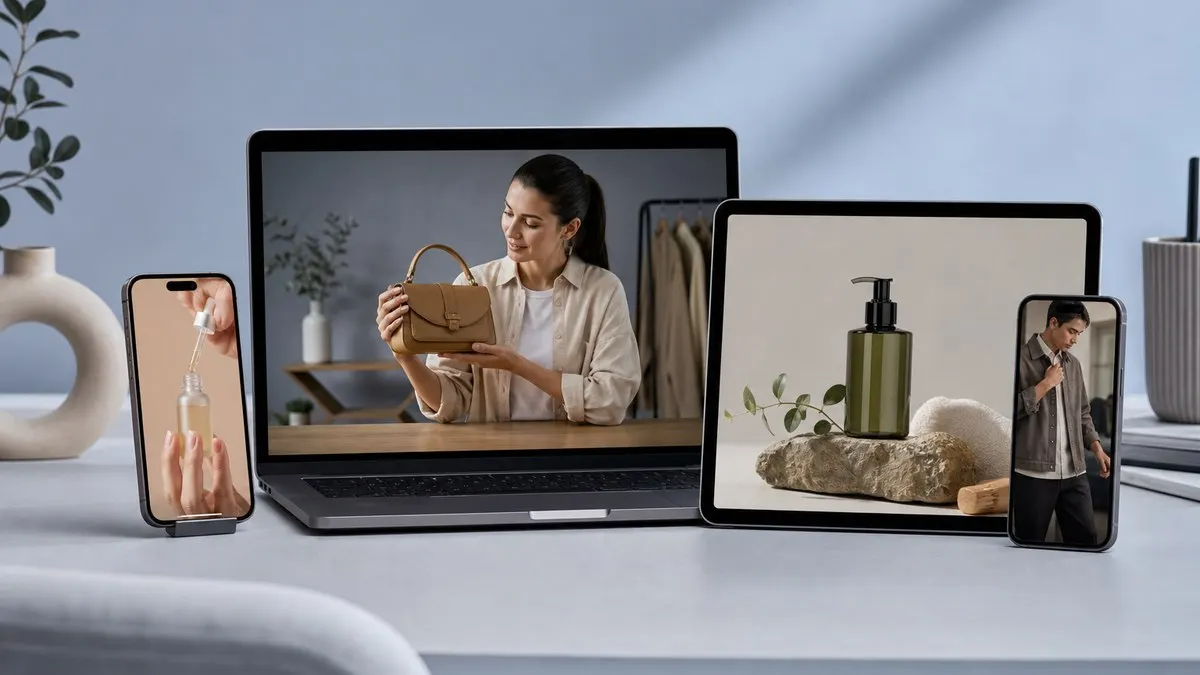
Marketing delivers one "master" file. E-commerce drops the same asset on Reels, PDP, and homepage. Result: cropped heads, cut products, weak taps.
Not a creative failure — **format mismatch.**

Behavior map (not a spec sheet)
| Where | What shoppers do | Format that fits |
|---|---|---|
| Reels / TikTok | Vertical scroll, fast swipe | 9:16 |
| Product page | Inspect, add to cart | 1:1 or 4:5 |
| Homepage banner | Scan brand, jump to collection | 16:9 |
How Vidora simplifies ops
**Old path:** Editor exports three times → three-day delay → campaign window missed.
**Vidora path:** Upload once → select Reels + PDP + banner presets → ship same day.
Multi-format render here means **campaign velocity**, not encoder jargon.
Why blur-background wins in fashion
Fitting landscape footage into vertical without blur crops the product. Blur-background keeps the hero centered — shoppers understand what's for sale. That's conversion-critical.
Crop is faster but risky if the product sits at the edge. Match mode to category and shoot type.
Practical call
- Shipping video weekly → automated multi-format is worth it.
- Two brand films a year → manual export may suffice.
- **Revenue depends on video** → wrong ratio is direct revenue loss.
Next: upload your best clip, render three formats, compare tap rates by channel for one week.
By: Vidora Team
RSS feed